


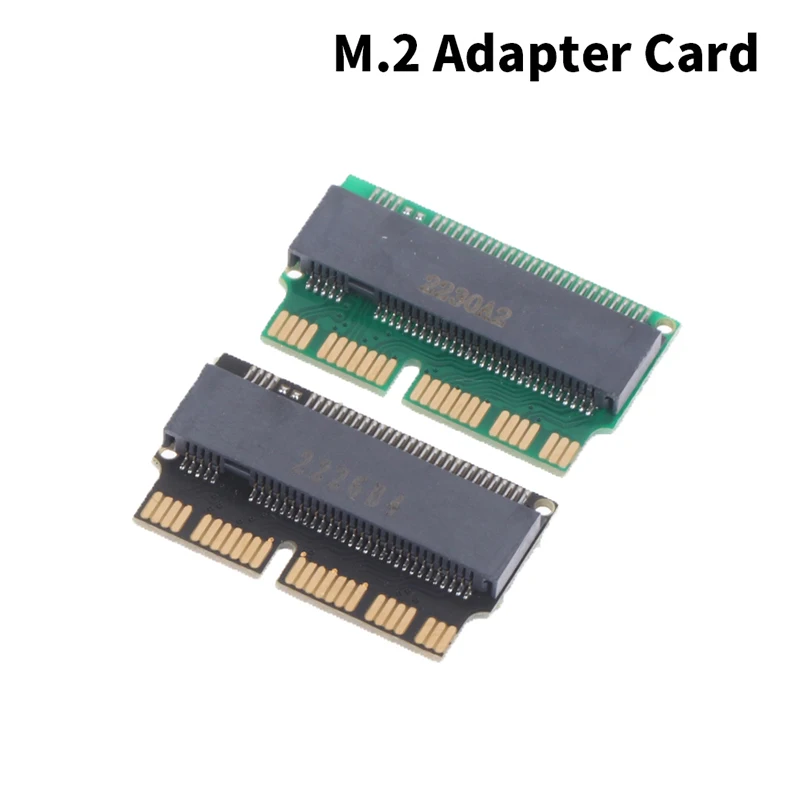
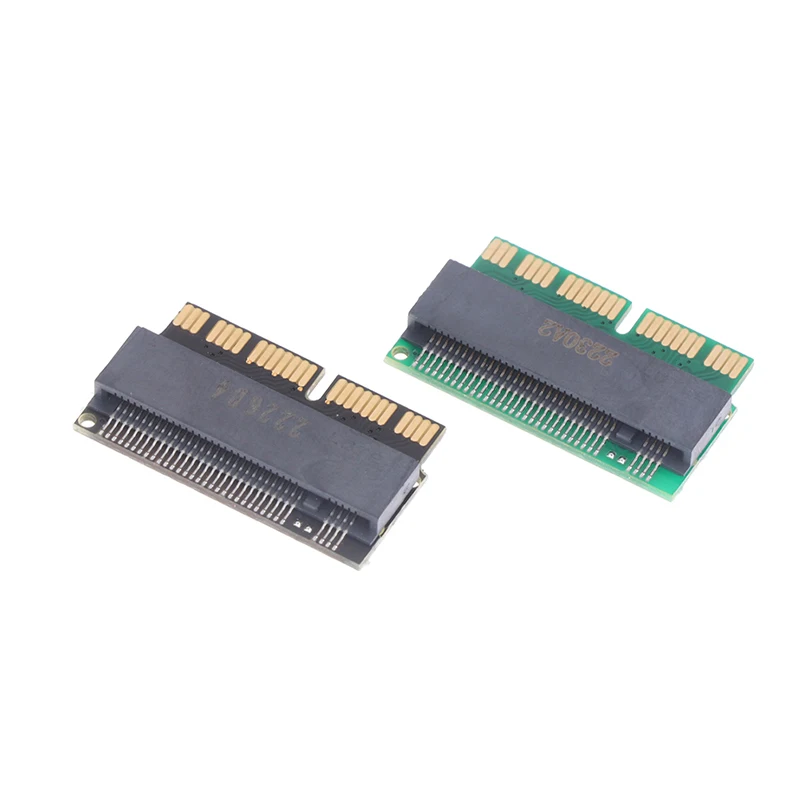
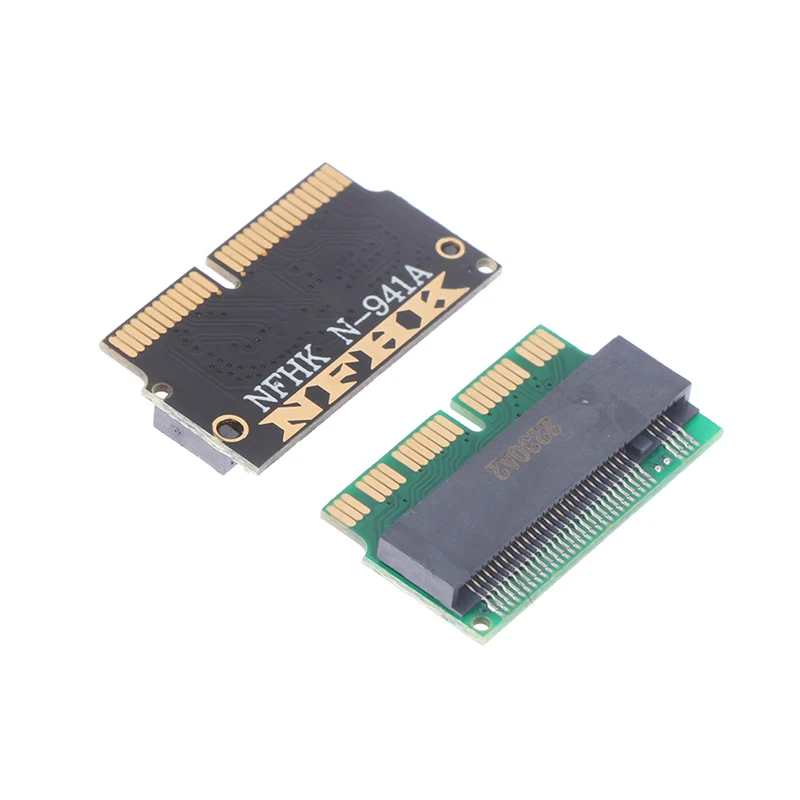
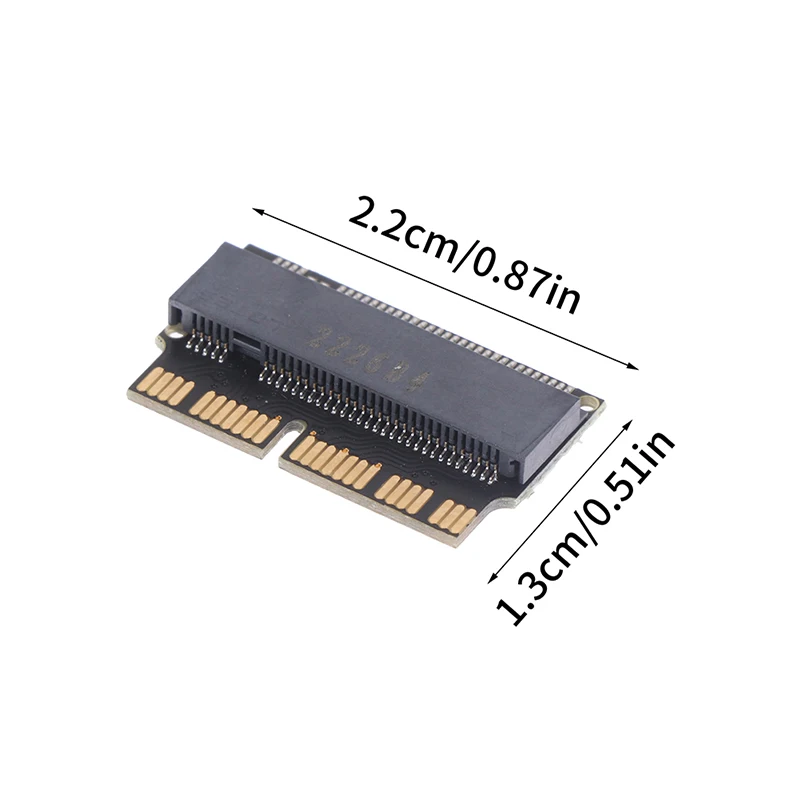
Introducing our high-quality PCIE SSD for Laptop Macbook Air Pro 2013, 2014, 2015 A1465, A1466, A1502, A1398. Upgrade your laptop with this top-of-the-line SSD for faster performance and enhanced storage capacity. This SSD is specially designed to fit perfectly in your Macbook model and is easy to install. Say goodbye to slow loading times and enjoy seamless multitasking with this reliable and durable SSD. Enhance your device’s performance with our PCIE SSD for Laptop Macbook Air Pro 2013-2015 A1465, A1466, A1502, A1398. Order yours today and experience the difference.

Describe:
100% new and high quality
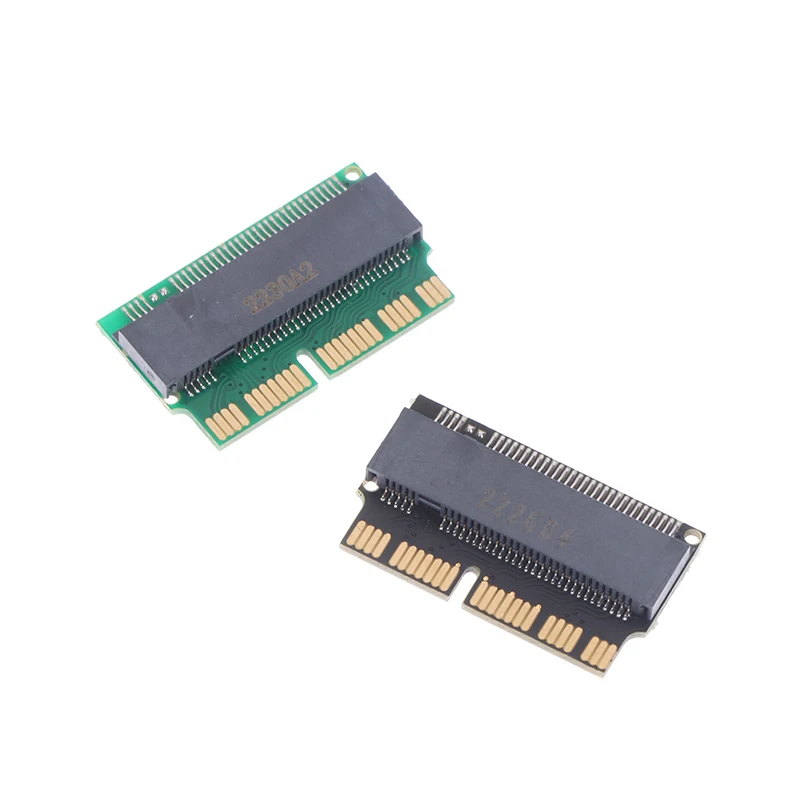
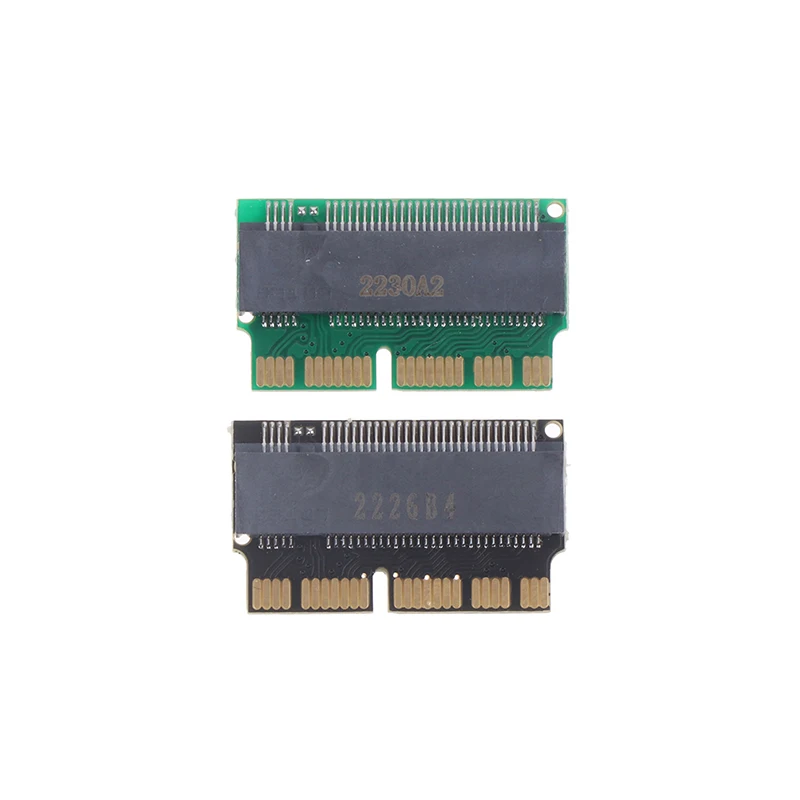
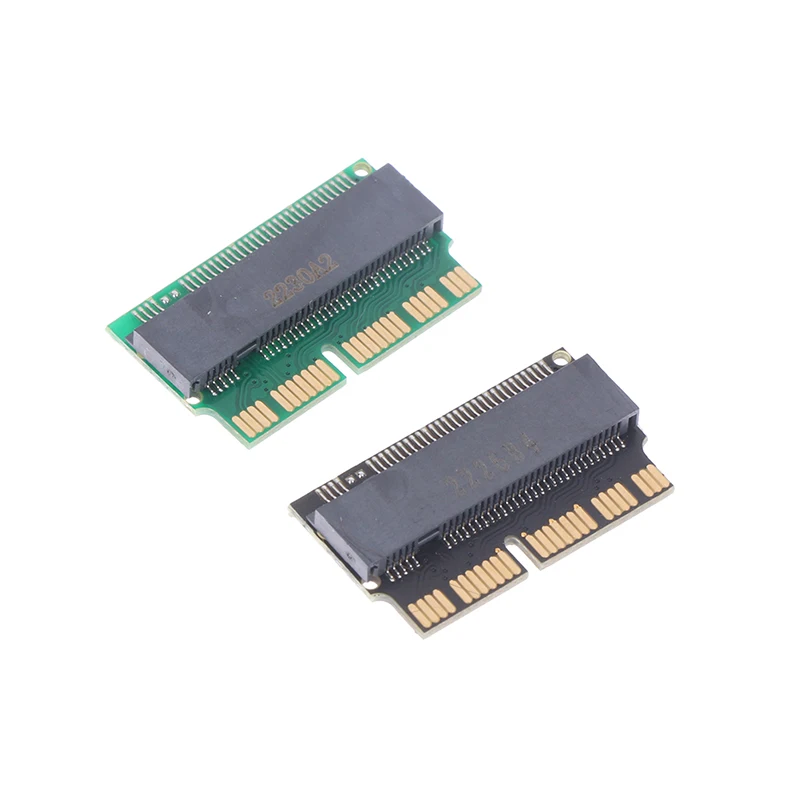
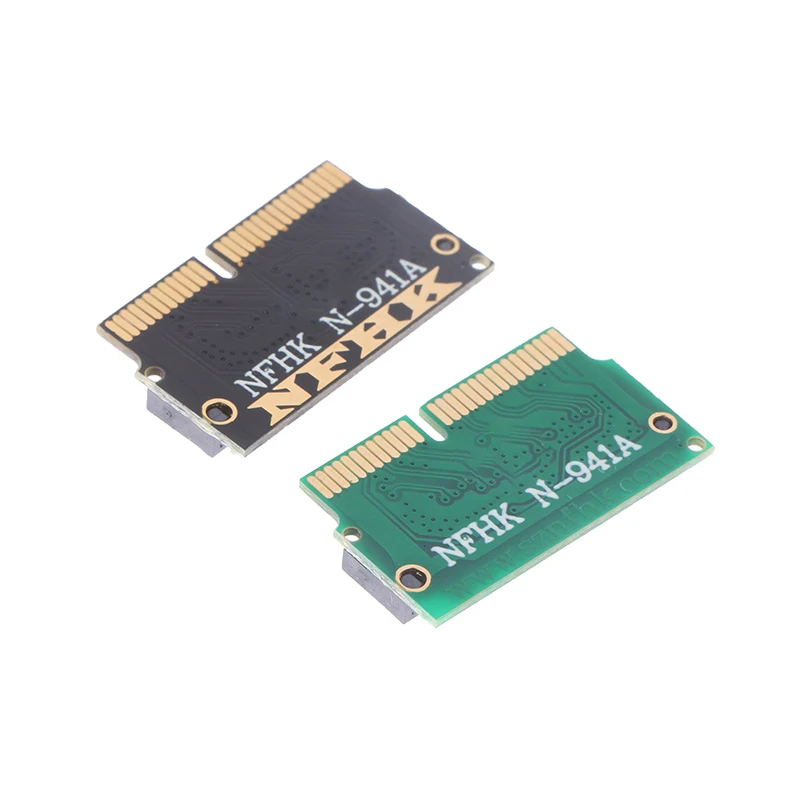
Color: green, black
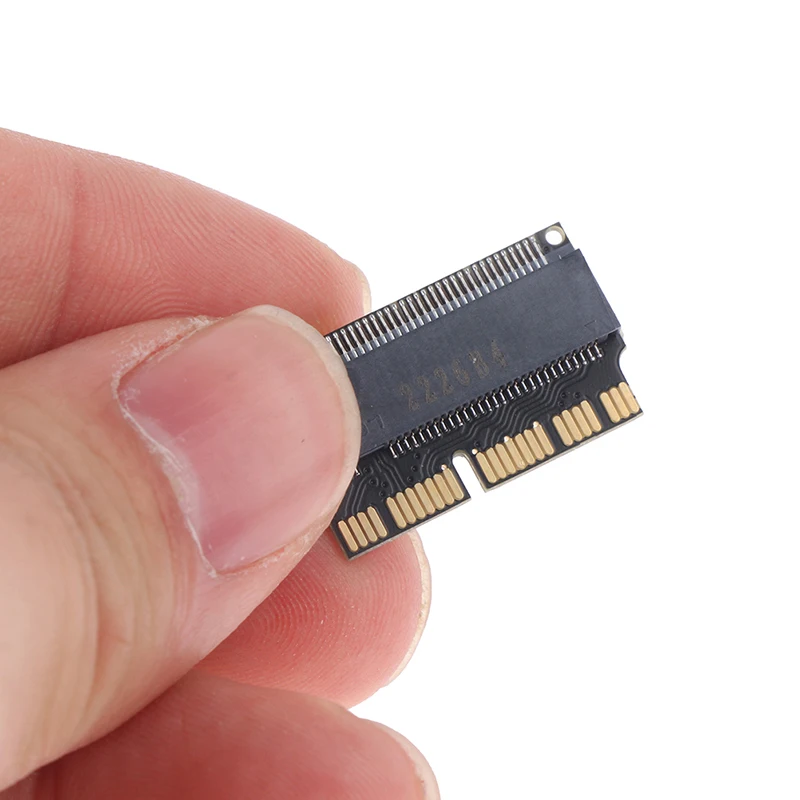
Size: Length 2.2cm/0.87in, Width 1.3cm/0.51in
Package Includes:1Pc M.2 Adapter Card
Absolutely test this riser card before delivery. Don’t install it and suspect that the drive is not recognized. The reasons for the failure to recognize the disk can be summarized as follows:
1. The adapter card cannot be inserted into the solid-state hard disk socket of the computer properly. You can use a little force. The customer service of our store encounters many people who say that the disk cannot be recognized. Take a photo to see if it is not inserted all the way, so it will definitely not be recognized.
2. The wrong hard disk is used. Some buyers use the M.2 NGFF hard disk with SATA protocol to install it, but it will definitely not work.
3. The system installation disk must use version 10.14 or higher.
4. The partition format of the hard disk is wrong, and it cannot be recognized when installing the system. It must be in the GPT (GUID) partition format. Be careful not to use any windows system partition software to partition the hard disk or the PE system to partition the hard disk, otherwise it will cause trouble for the future installation work! You can use LINUX software such as Ubuntu installation disk to partition the hard disk!
5. Do not install the system from the Internet, and do not try to restore the system with your original backup, because the disk format of the new and old versions of the Apple system is different!
This adapter card supports 2280 PCIE x4 and PCIE x2 protocol M.2 NGFF SSD solid state hard disk conversion to 2013 2014 2015 version Apple MacBook AIR and PRO A1465 A1466 A1502 A1398 computer hard disk. PCIE x4 and x2 M.2 NGFF SSDs are divided into AHCI protocol and NVMe protocol. Rookie-level buyers should use PCIe x2 or x4 AHCI protocol hard drives, experienced buyers can use NVME protocol PCIe x4 M. 2 NGFF SSD installation, about whether to use AHCI protocol hard disk or NVME protocol hard disk, this is your own technical problem, it has nothing to do with the adapter card! Cainiao buyers are recommended to buy PCIe x4 or PCIe x2 M.2 NGFF AHCI SSD to match this adapter card!
It is important to note that some Apple computers use an adapter card and a solid-state hard disk to replace the original Apple hard disk after the 2013 version. After the system is hibernated and then wakes up, it will crash. You need to restart the computer to use it normally. This has nothing to do with the adapter card. It depends on the type of hard disk used. The buyer has confirmed that using Samsung 970 PM961 SM951 and Lexar NM600 will not cause the problem of sleep wake-up and crash, so it is recommended that you try to choose these types of hard disk plus adapter card combination.
If the hibernation function is not disabled, the Apple system enters hibernation, that is, after the black screen, it needs to be shut down and then turned on to enter the system. After the Windows system wakes up after hibernation, it will automatically restart. Some models have no problem if they use Windows 10.
Note:
1. Please allow 5-10mm differences due to manual measurement, thanks.
2. The actual color of the product may be slightly different from the picture, and the website is caused by various factors such as the brightness of the monitor and the brightness of the light.


Reviews
There are no reviews yet.